
Just Notepad
The same menus, the same shortcuts, the same calm. Nothing to learn and nothing nagging you.
Free and open source · Windows and Linux
npad is a tiny native text editor that opens in about 40 milliseconds and behaves like Windows 10 Notepad. It quietly adds what Notepad never had: crash recovery, saves that can’t destroy your file, dark mode and print preview.
Signed installer, MSI and portable .exe · Windows x64 · MIT licensed
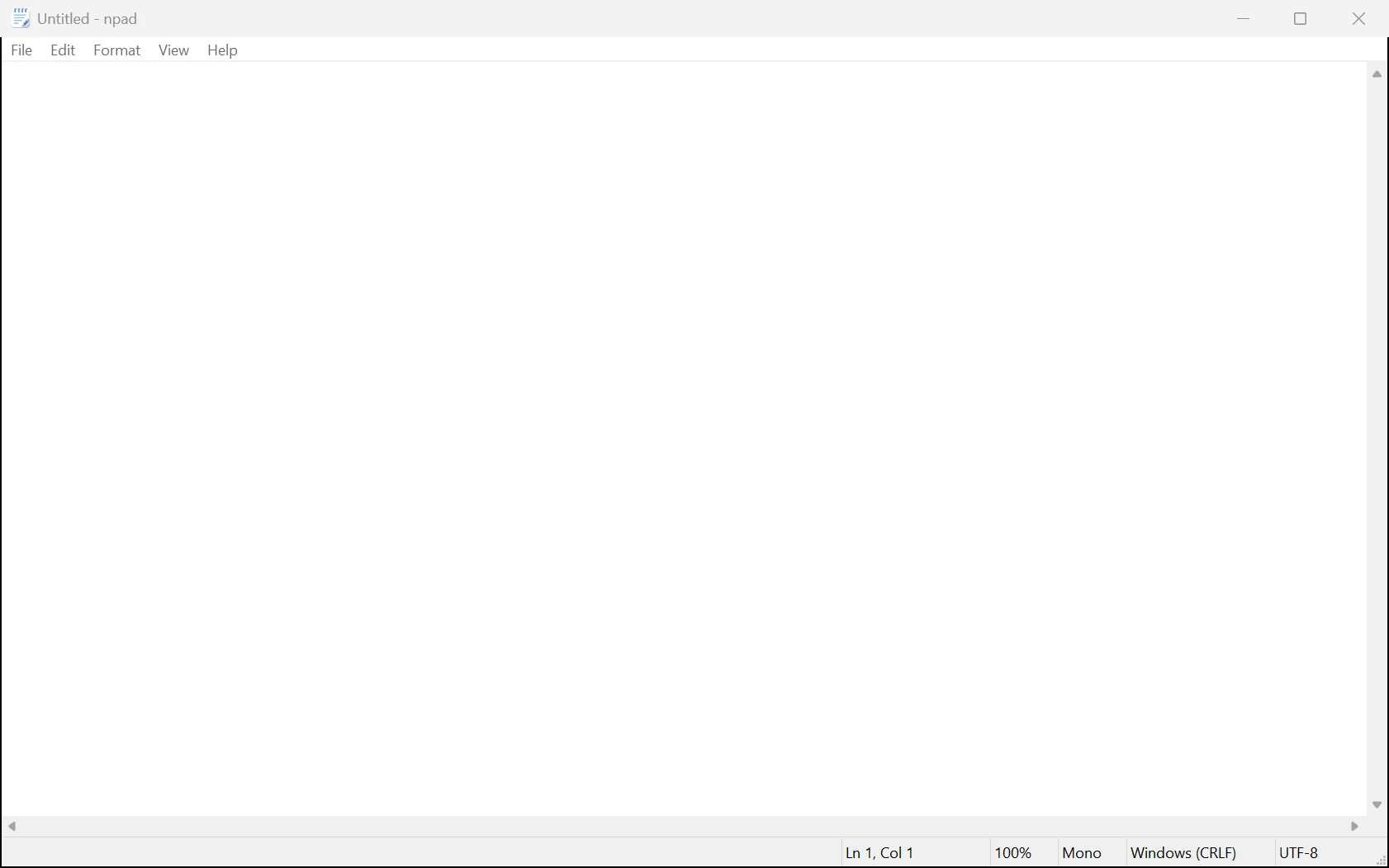
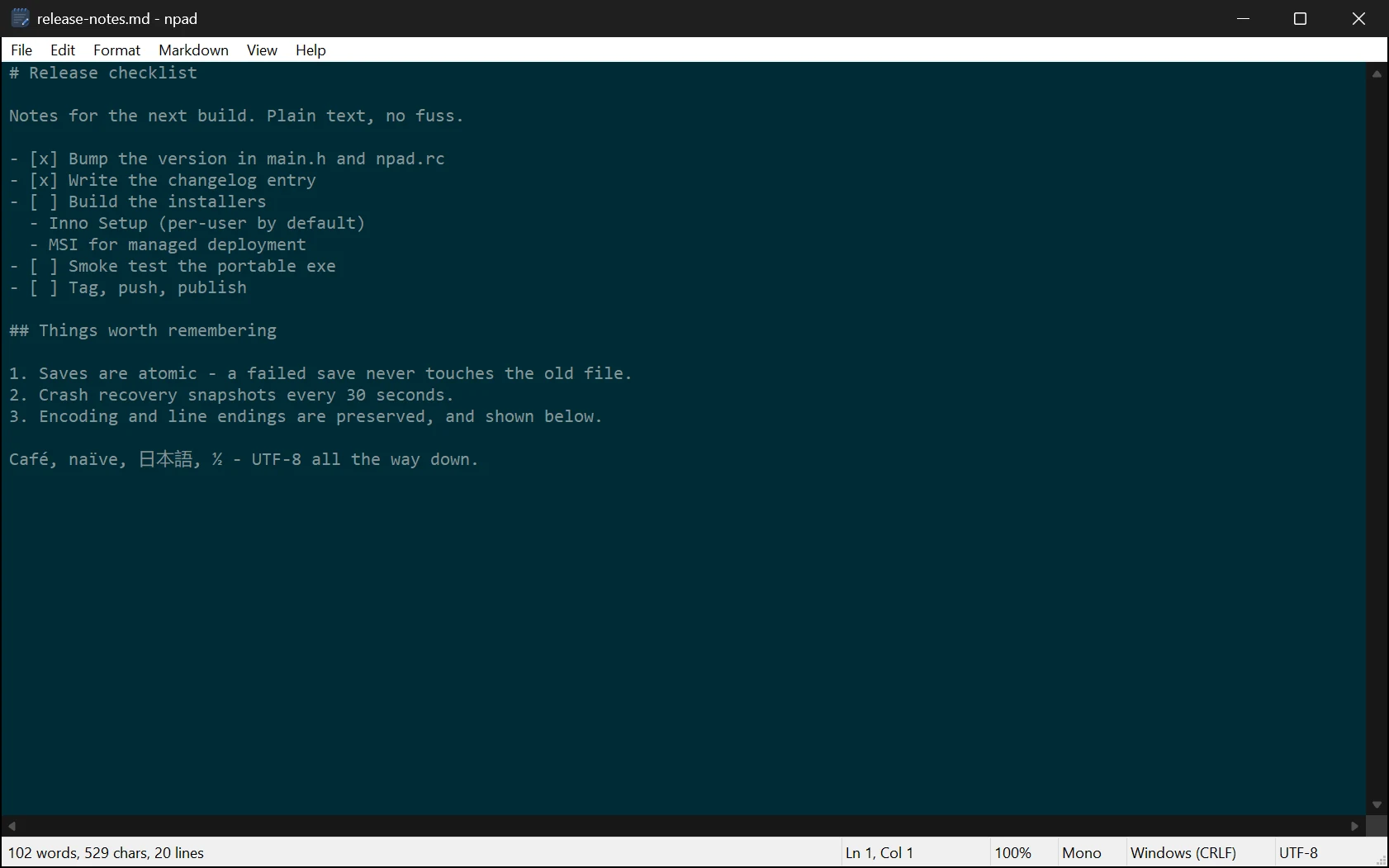
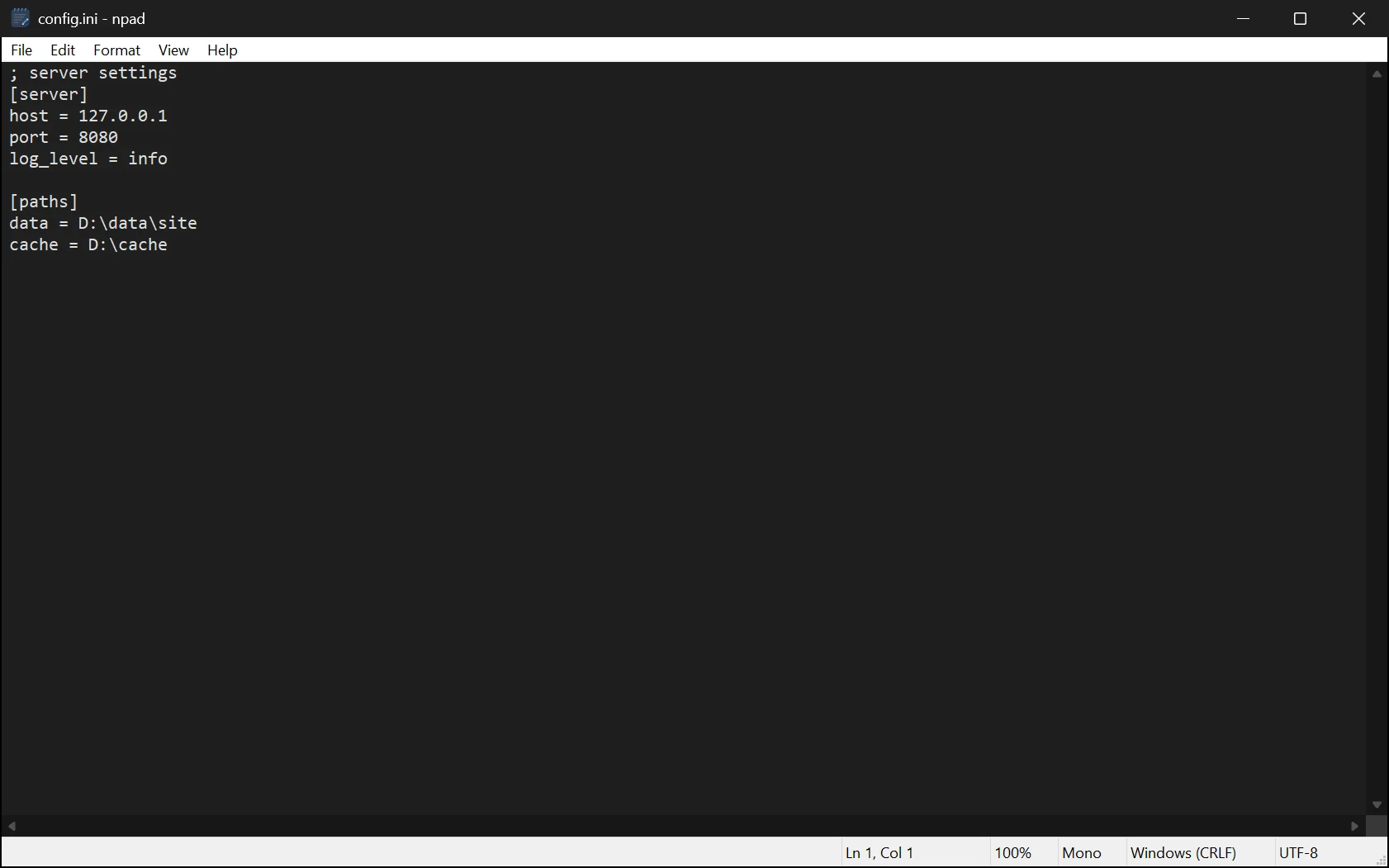
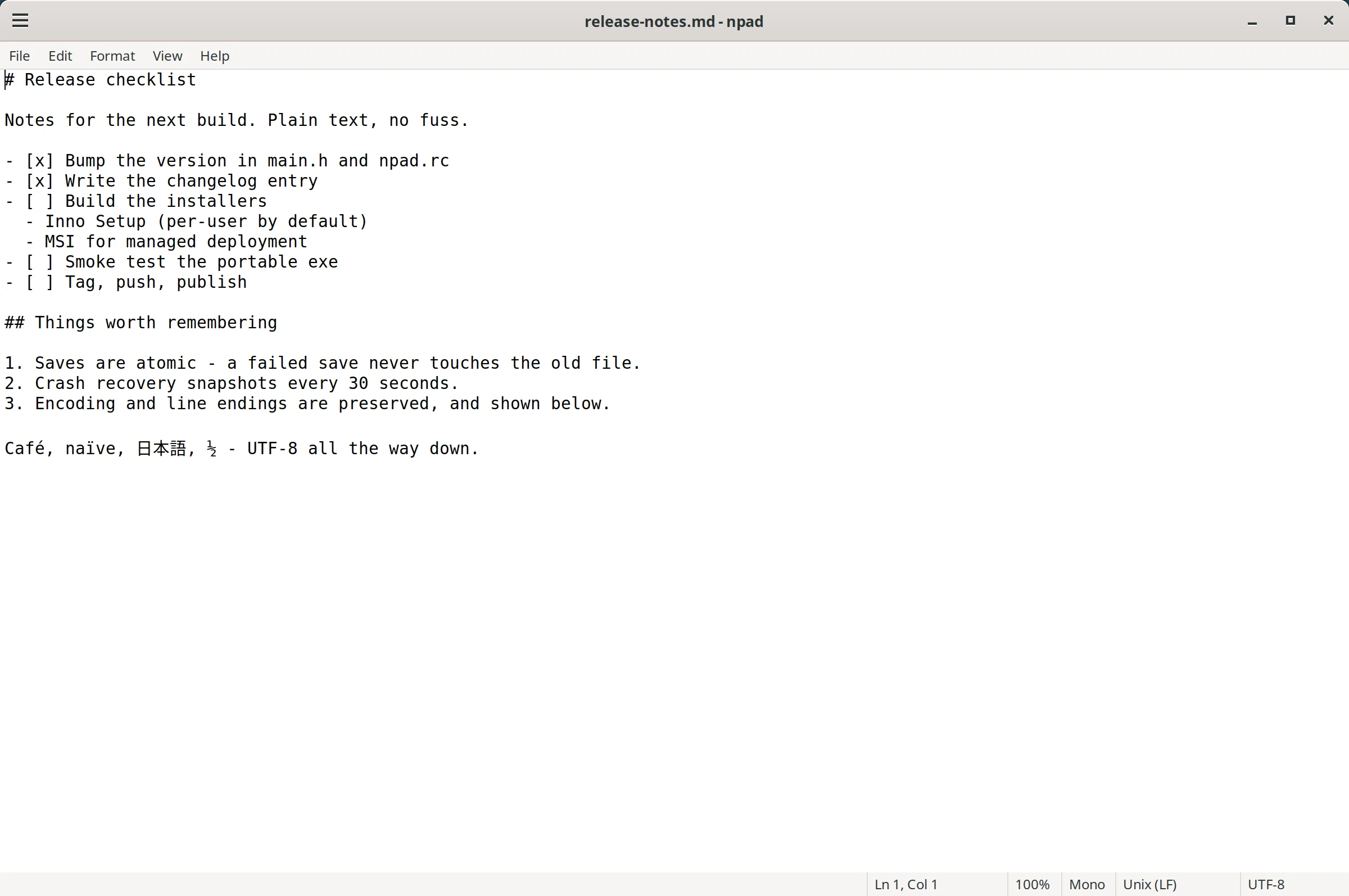
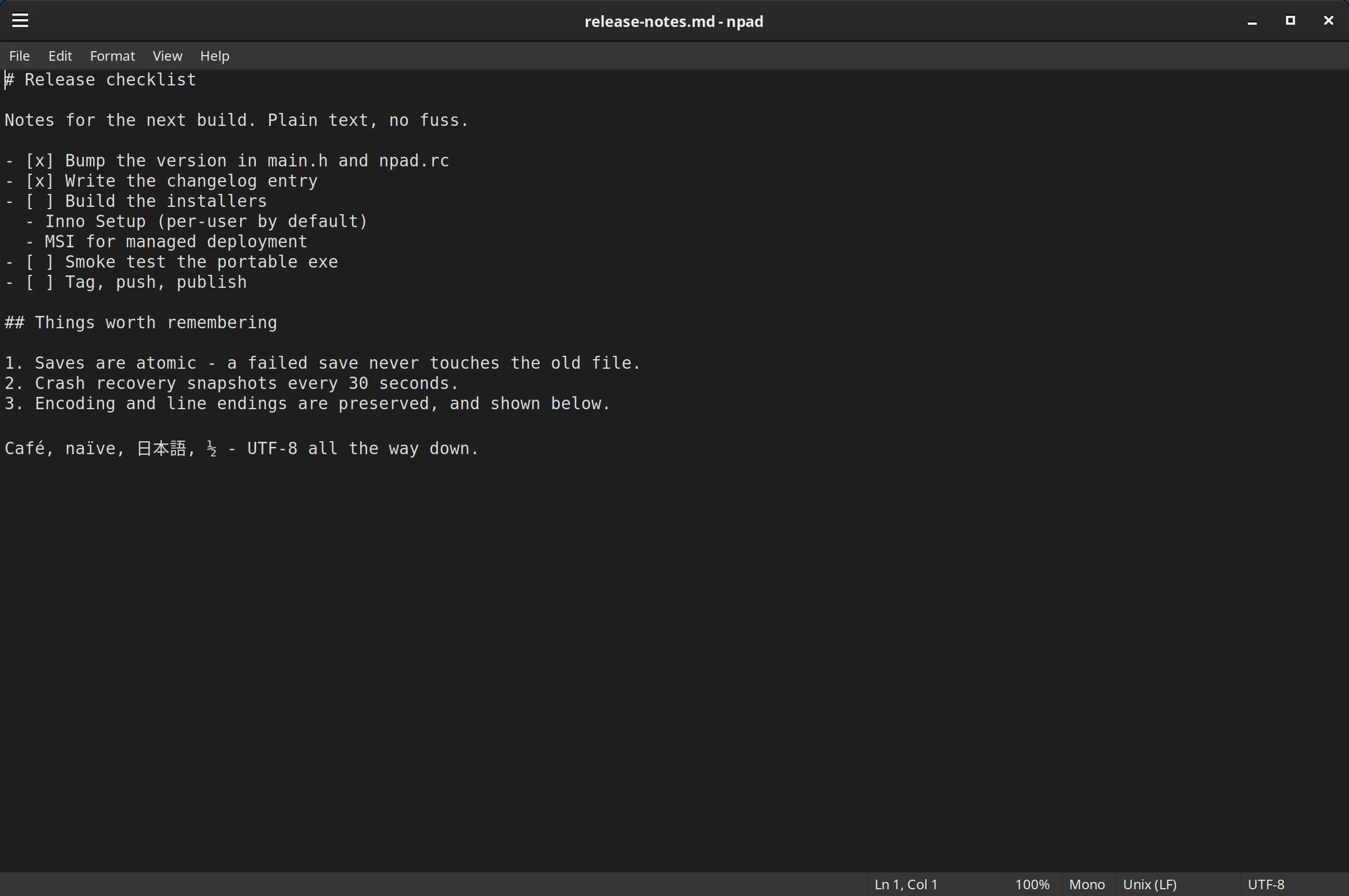
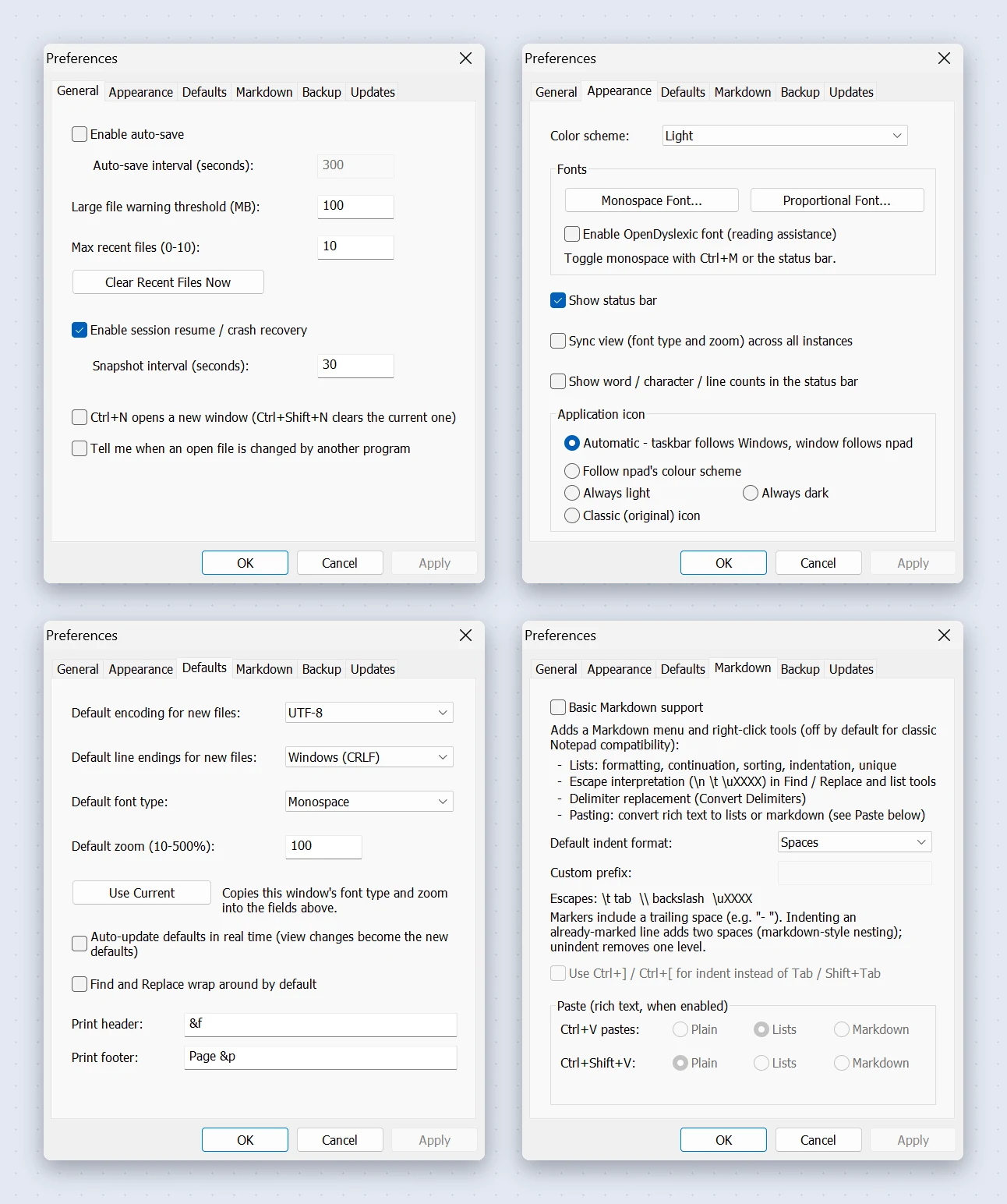
Click a screenshot to enlarge it.
Measured by the maintainer on Windows, with a warm start; your hardware will vary.
npad follows one rule: out of the box it behaves like Windows 10 Notepad. Extras that can’t hurt you are enabled. Anything that changes how Notepad works stays off until you ask for it.
The same menus, the same shortcuts, the same calm. Nothing to learn and nothing nagging you.
Written in C against the native Windows API. No framework, no runtime, no waiting.
Crash recovery and atomic saves are on from the start, so a bad day never costs you a file. Add a 100,000-step undo history, where Windows 10 Notepad’s undo is single-level.
Dark and Solarized themes, per-window zoom and fonts, optional Markdown tools. All opt-in.
One small executable, loading only what it needs when it needs it. Each window is its own process, and the cost stays linear: thirty windows measured about 104 MB in total.
~40 ms
process start to usable window
~3.4 MB
RAM per window
What happens on every save.
Choose light, dark, follow the system, or Solarized Light and Dark. Changes apply live to every open window, including the title bar, scroll bars and drop-down menus. Even the app icon can follow your setting.
See your position, zoom, font mode, line ending and encoding at a glance, then click any of them to change it: go to a line, reset zoom, switch to monospace, convert CRLF to LF, pick an encoding. Optional word, character and line counts sit on the left.

Turn on the optional Markdown list tools and Tab, Enter and Ctrl+X learn new tricks. Off by default, because they change how Notepad behaves.
Available once Markdown tools are enabled in Preferences.
Everything Notepad does, plus the small things it should have done years ago.
Direction, match case, whole word, wrap-around, a live match count and optional highlight-all.
Page Setup, header and footer codes, and a Print Preview with paging, two-page view and zoom, measured against your default printer.
Ctrl+Scroll to zoom, Ctrl+M for monospace. Separate monospace and proportional fonts, with an OpenDyslexic option.
UTF-8, UTF-8 BOM, UTF-16 LE/BE and ANSI are detected and kept exactly as they were.
Drag and drop, Ctrl+Drop to insert, a recent files menu, npad file.txt from any terminal, and “Open with” for any file.
Convert between CRLF, LF and CR from the Format menu, with Ctrl+E, or by clicking the status bar.
Go To Line (Ctrl+G), time and date (F5), word wrap (Alt+Z) and a context menu with everything you’d expect.
Plain JSON settings, with export and import for backups or moving machines. Changes apply live to every open window.
Native on each platform: Win32 on Windows, GTK 3 on Linux.
Win32 API. Installer, MSI and portable .exe, all code-signed.
GTK 3 on X11 and Wayland from one binary, from signed apt and dnf repositories. Preferences and the Markdown tools are still being ported.
A native Cocoa build is on the roadmap.
ncurses and Windows Console builds are planned.
Simplicity is the feature. These are deliberately outside npad’s design goals.
Yes. npad is open source under the MIT licence. If it saves you time you can sponsor the project (opens in a new tab), but you never have to.
It installs alongside. The installer can optionally register file types and a notepad alias for Win+R, and npad appears in “Open with” for every file type. In setup, text files (.txt), PATH and the notepad alias are ticked by default and every other file type is unticked, and you can change associations later in Preferences > Associations.
No. There is no telemetry and no background service. The only network requests npad makes are update checks and downloads: automatic checks are off until you turn them on, and Help > Check for Updates runs only when you choose it.
Releases are code-signed, but SmartScreen builds a publisher’s reputation over time. Right-click the file, choose Properties, tick Unblock and Apply. Details.
Spellcheck, syntax highlighting and AI are deliberately out of scope. An optional tabbed interface is on the roadmap.
In a plain JSON file: %APPDATA%\Platima\npad\settings.json on Windows and ~/.config/npad/settings.json on Linux. Preferences can also export and import them.
Download npad, open a file, and see how fast a text editor can feel.
Download npad